5 free, open source tools for designing a professional website with Claude Code
Five tools on GitHub that give Claude Code a reference, taste, polish and eyes to see your site and fix it, and that turn an image into a 3D model. The links, the install commands, and what to watch out for with each tool.
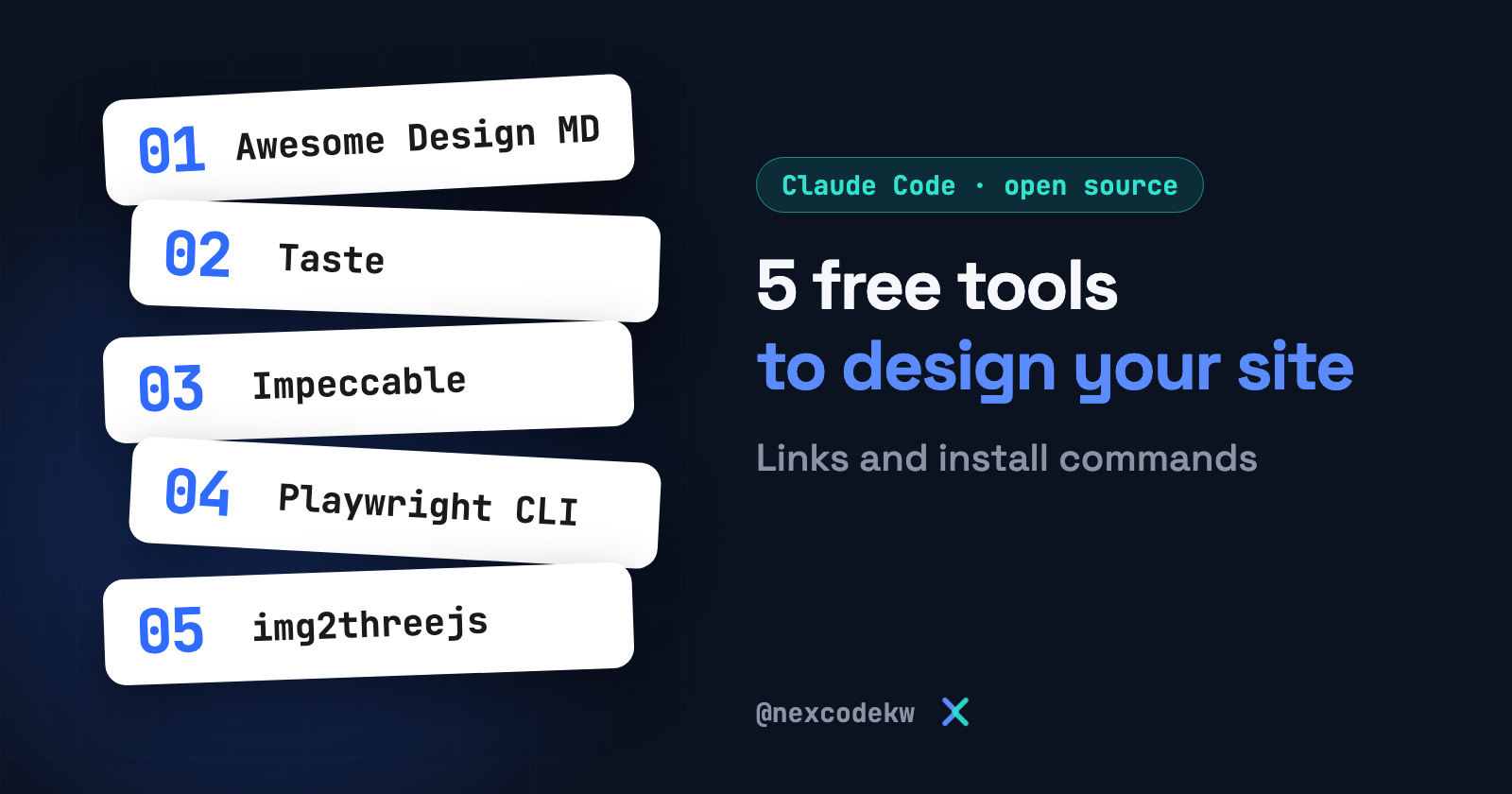
Want to design a professional website with Claude Code? Here are five open source tools on GitHub. Each one gives the agent something it lacks: a reference, taste, polish, eyes to see the site, and a way to turn an image into a 3D model.
The tools themselves are free, but Claude Code usage still depends on your subscription. The information here comes from the official project pages as of November 4, 2026, and we did not try the five tools ourselves for this article. Commands change between versions, so check each project's page before you run anything.
Tool 1: Awesome Design MD, a ready-made reference for your agent
A collection of DESIGN.md files extracted from real websites. The idea is simple. A DESIGN.md file is a text document that describes a design system, and a coding agent reads it to build consistent interfaces. You copy the file to your project root and tell your agent to build you a page in that style.
github.com/VoltAgent/awesome-design-md
License: MIT.
Watch out: these files describe the designs of websites that belong to their owners. The project page itself says they don't claim ownership of any site's visual identity. Use them as a reference for inspiration, and build your own identity on top.
Read the DESIGN.md file in the project root, then build me a landing page that follows the same design language, but with my project's own colors, fonts and logo.Tool 2: Taste, design taste for your agent
A skill that gives your coding agent an art direction and reference images, and checks the page in a real browser so it doesn't turn out generic-looking pages. According to the release notes, the checker opens the page at widths of 1440, 768 and 390 pixels, then the agent reviews its screenshots and fixes the biggest problems.
github.com/Leonxlnx/taste-skill
License: MIT. The release notes say it doesn't use API keys, and it needs Node 22 or later and a Chrome, Edge or Chromium browser. Install it:
npx skills add https://github.com/Leonxlnx/taste-skill --skill "design-taste-frontend"If you watch older videos that talk about Variance, Motion and Density settings, they cover earlier versions. The current version doesn't have those dials, and the old versions moved to a separate repository called taste-skill-classics.
Tool 3: Impeccable, which polishes the design and tidies the details
Design vocabulary for your agent. Instead of saying "make it look better" and leaving the agent to guess, you give it specific commands such as polish, critique, audit and bolder, and you aim them at a single element. It also has a detector that catches repetitive patterns in interfaces before they ship.
License: Apache-2.0. Install it, then run the init command once per project:
npx impeccable installThen, inside your agent:
/impeccable init
/impeccable critique the pricing cards
/impeccable polish settings
It also has a /impeccable live command. It opens your dev server with a selection layer, so you can pick an element and try different directions for it, and whatever you accept gets written into the code. A warning from the project page: this mode only edits a local copy, so don't inject it into a live site.
Tool 4: Playwright CLI, eyes for your agent on your site
A command-line interface for Playwright, with skills for coding agents. It gives the agent a browser, so it can open the site, interact with it and take screenshots. Once it sees the result, it fixes the bugs it found. The project page says CLI commands are lighter on the agent's context than MCP because they don't load large tool schemas.
github.com/microsoft/playwright-cli
License: Apache-2.0, and it needs Node 18 or later.
npm install -g @playwright/cli@latest
playwright-cli install --skills
Then try it by hand to see what the commands look like:
playwright-cli open https://playwright.dev --headed
playwright-cli screenshot
Tool 5: img2threejs, from a single image to a model
A skill that rebuilds the object in a reference image as a Three.js model using code only, so you don't get a ready-made mesh file. The project page says clearly that a single image doesn't reveal hidden sides and doesn't guarantee accurate geometry. So the skill infers the unseen faces by copying what is visible, and it tells you where it approximated. It is stronger with solid objects. Characters come out as simplified models and not exact copies.
github.com/img2threejs/img2threejs
License: Apache-2.0. It needs Node 18 or later, Git, Python 3.10 or later, and an agent such as Claude Code. Install it, then verify the install:
npx --yes img2threejs@latest install
npx --yes img2threejs@latest doctor
Restart your agent, then attach an image or its path and run:
/img2threejs Rebuild the object in ./reference.png as a procedural Three.js model. Keep its proportions, silhouette and colours. Report the output files and any inferred regions.The gallery of live models is on the project's site: img2threejs.io
How do you combine them?
This is an order we suggest ourselves. It doesn't come from the project pages:
- Start with a DESIGN.md file from Awesome Design MD as a reference for the look.
- Let Taste build the page, with better taste than generic pages have.
- Run Impeccable over the elements that need polish.
- Use Playwright CLI so the agent can open the site, see it, and fix what breaks.
- If you need a 3D model in the interface, try img2threejs.
Follow us at @nexcodekw.