REA: get Claude Code to inspect apps and explain how they work
An open source tool past 420K stars on GitHub. It connects your coding agent to tools that inspect apps and websites, so the agent can explain how any feature works, with the evidence. How to install it and what to watch out for.
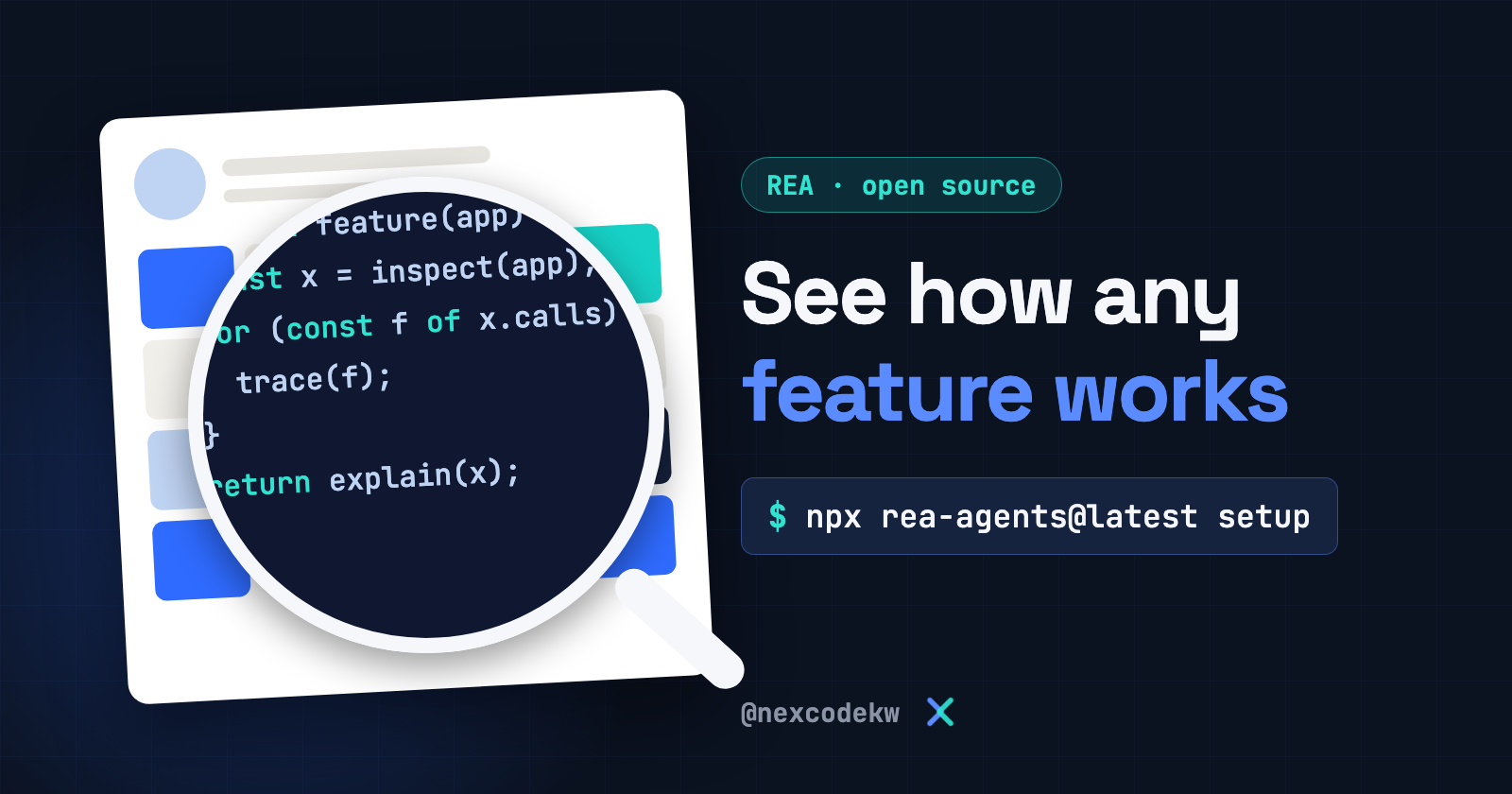
Saw a feature in an app and want to know how they built it? That is exactly what REA is for. The name is short for Reverse Engineer Anything.
REA is an open source tool under the MIT license. It connects your coding agent, such as Claude Code, to tools that inspect apps, executables and websites. You ask about a specific feature, and the agent inspects the app without its source code, explains how the feature works, and shows you the evidence.
The project is on GitHub, and it had passed 420K stars and 105K forks as of November 3, 2026:
This guide explains how the tool works, how to install it with one command, and what to watch out for before you try it. The information here comes from the project page and its official website.
How does it work?
Your agent connects to the tool over MCP. REA then inspects the app, traces the part you asked about, and returns its findings along with the evidence. The agent uses those findings to ask more questions, explain the approach to you, or write a version in your project and test it.
What do you actually get? According to the project page:
- Native executables: Pseudocode and assembly.
- JavaScript and Electron apps: The modules and the relationships between them.
This means it doesn't give you back the original code as its authors wrote it. The agent builds its understanding from these findings.
What can you inspect?
The list is long. These are the main types:
- JavaScript and Electron apps
- Native binaries
- .NET programs
- Android apps in APK format
- Websites
- Unity and Godot game files
Some types need extra tools. The full table of types on the project page shows what each one needs.
What do you need?
- Node.js and npm: Version 22.23.4 or later in the 22 line, 24.22.1 or later in the 24 line, or 26.12.1 and up.
- A coding agent that supports MCP: Setup supports Claude Code, Codex, Cursor, Gemini CLI, Grok Build and others.
- An analysis tool for native files, if you need one: Deep analysis uses Hopper, Ghidra, IDA or Kuna. Static inspection of JavaScript and .NET apps doesn't need any of them.
Step 1: Install the tool
Run this command in your terminal, from a trusted folder outside the project you'll inspect:
npx rea-agents@latest setupIt asks which agents you want to connect. Choose them, review the proposed changes, and approve them. The command adds the MCP server and working instructions for the agent, and it keeps a backup of your settings.
Then restart your agent.
Step 2: Ask your agent
Open your agent and ask for what you want. This example is based on one from the project page. Swap in your own app and feature:
Figure out how the search feature in the Notes app works, show me the evidence, and build a similar feature in my project.Run it directly from the terminal
You can also use the tool without an agent. This command inspects a JavaScript or Electron app folder. Replace the path with your app's path:
npx -y rea-agents@latest analyze-javascript-application /absolute/path/to/app --jsonWhat to watch out for
- Authorized use only. The project is meant for security research, education and software interoperability, and for inspecting software you own or are authorized to inspect. Your country's laws or the software's license may prohibit reverse engineering, and the responsibility is yours.
- What the tool doesn't support. The project explicitly refuses bypassing protections and licenses, making game cheats, and copying proprietary software or reproducing its code and files.
- Privacy. The analysis runs on your machine, but the findings reach your agent, and the model provider has its own data policy. Don't inspect sensitive files until you know where they go.
- Some inspections run the app. Static inspection only reads the files, while runtime inspection runs the app with your user permissions. Don't run a program you don't trust.
- Commercial tools need their own licenses. IDA, Hopper and JEB have their own licenses, and REA doesn't give you a license for any of them.
- Download it only from its source. The project page says a similar repository name doesn't mean a copy is official. The official sources are the
morluto/rearepository, the rea.tools website, and therea-agentspackage on npm.
The official website has illustrated guides and real examples: